
Is Your Business Ready for Microsoft 365 Copilot?
HOME I BACK TO BLOGS I ABOUT US I CONTACT US
Microsoft 365, AI, Cybersecurity, SMB Risk Management
Microsoft 365 Copilot Will Show Your Team Everything They Can Access. Is Your Business Ready?
Microsoft 365 Copilot can turn your everyday apps into a powerful AI assistant. It can also shine a harsh light on years of quiet oversharing and loose permissions. For small and mid-sized businesses, that’s a productivity opportunity—and a serious data security test.
What Microsoft 365 Copilot Actually Does for Your Team
Copilot is built directly into the Microsoft 365 tools your team already lives in—Word, Excel, PowerPoint, Outlook, Teams, SharePoint, and the unified Copilot app. Backed by modern models like GPT‑5.5 and GPT‑5.6, it can:
Draft and rewrite documents and emails in Word and Outlook, with tone and clarity coaching as you type.
Analyze Excel workbooks, summarize trends, and link you straight to the cells and charts Copilot changed or referenced.
Build branded PowerPoint decks from a simple prompt or a Word file, pulling from your existing templates and asset libraries.
Join Teams meetings, summarize discussions, extract tasks, and surface decisions across chats, channels, and calls.
Newer features like Copilot Cowork can even manage end-to-end workflows—gathering documents, drafting deliverables, and updating status—using the data already stored in your tenant.
The Catch: Copilot Obeys Your Permissions—Good or Bad
Microsoft is clear: Copilot does not give users new access. It only works with what they already can see in SharePoint, OneDrive, Teams, email, and connected systems. That sounds reassuring—until you remember how most SMB environments are actually set up.
Years of “just make it work” sharing, public team sites, and inherited folders often mean:
HR files readable by non‑HR staff
Client folders shared to “Everyone except external users”
Old project sites with contracts, pricing, and health or financial data left wide open
Copilot becomes a force multiplier for this oversharing. Instead of someone stumbling on a sensitive file by accident, they can now ask:
“Summarize our largest client contracts and show key pricing terms.”
If permissions are loose, Copilot will happily surface exactly that—from anywhere that user has access, whether they should or not. Recent vulnerabilities and bugs have already shown how quickly inbox, OneDrive, and SharePoint data can be exposed if configuration and patching are not tight.
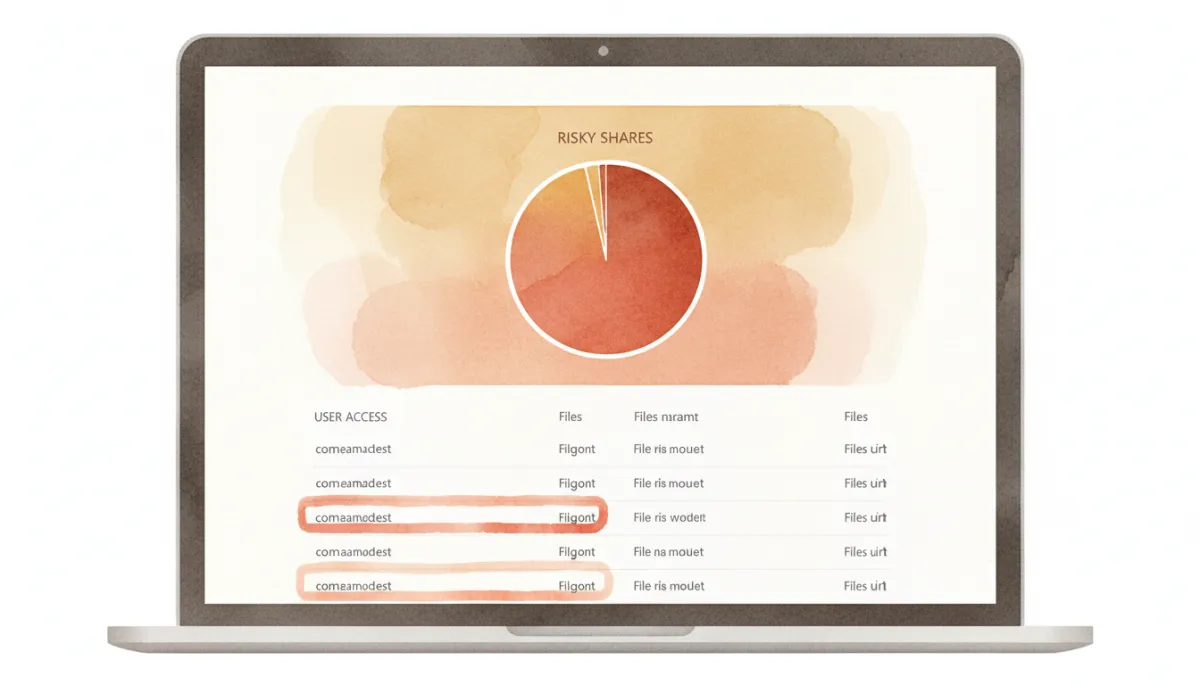
Oversharing that felt harmless yesterday becomes a real liability once Copilot goes live.
Why Data Security and Access Management Matter More with Copilot
For owners and executives, the real risk is not that Copilot is “insecure.” The risk is that it is honest. It will faithfully reflect the reality of your data security, identity controls, and sharing practices—good, bad, or ugly.
In SMB environments, especially in legal, healthcare, accounting, manufacturing, and professional services, oversharing collides directly with:
Client confidentiality and professional ethics obligations
Cyber insurance questionnaires and renewal scrutiny
Contract security addendums from larger customers and partners
If a junior staff member can ask Copilot to summarize “all patient disputes” or “all discount arrangements” because those files are overshared, that is both a privacy problem and a contract problem—whether or not anything is ever exfiltrated outside the company.
📌 Key Takeaway: Copilot doesn’t break your security. It exposes the configuration debt that’s already there.
Getting AI‑Ready the Right Way: A Practical Checklist
Before you switch on Copilot for everyone, there are concrete steps Delvetek Consulting recommends to every SMB we work with.
1. Lock Down Identity First
Copilot is only as trustworthy as the accounts using it. Start by:
Enforcing multi‑factor authentication (MFA) for all staff and admins
Removing unused and shared accounts, especially old admin logins
Applying least‑privilege roles (for example, AI Administrator instead of full Global Admin where possible)
2. Audit Sharing Permissions and Fix Oversharing
Run a structured review of SharePoint, OneDrive, and Teams permissions. Look for:
Sites or folders shared to “Everyone,” “Everyone in the organization,” or large distribution groups
Guest users with broad access to internal content
Teams channels being used as dumping grounds for sensitive files
💡 Pro Tip: Ask, “If Copilot summarized everything this person can see, would I be comfortable with the result?”
3. Label and Protect Sensitive Data
Use sensitivity labels and data classification, especially for:
HR and payroll records
Client contracts, pricing, and proposals
Health, financial, or regulated data (PHI, PCI, etc.)
Proper labeling lets you apply Data Loss Prevention (DLP) policies that can limit how Copilot uses and shares that information, and helps prioritize what must be locked down first.
4. Restrict or Redesign High‑Risk Sites
Some SharePoint or Teams locations are simply too sensitive to be broadly searchable:
Board materials and M&A folders
Incident response and legal hold content
Legacy “catch‑all” sites used as file servers in the cloud
Consider restricting these locations to a very small group, or splitting them into separate, better‑scoped sites before Copilot is widely enabled.
5. Roll Out Copilot in Phases, Not All at Once
Resist the temptation to flip the switch for the whole company. Instead:
Start with a small pilot group in low‑risk departments and observe what Copilot surfaces.
Adjust permissions, labels, and DLP policies based on real‑world usage and feedback.
Expand to higher‑risk teams (finance, HR, legal) only after controls are proven.
Make Sure You’re Insurable and Contract‑Ready Before You Turn Copilot On
Copilot can absolutely pay off for small and mid‑sized businesses—but only if your underlying Microsoft 365 environment is secure, governed, and defensible to an insurer or a major client. That’s where Delvetek Consulting focuses.
Every engagement we run starts with the Insurability & Contract‑Readiness Assessment: a structured review of your Microsoft 365 and broader IT environment against CCCS, CIS, NIST, and current cyber insurance requirements. You receive a written, plain‑English, prioritized report that shows:
Where oversharing, weak identity, or poor labeling would let Copilot expose too much
Which controls must be fixed to satisfy cyber insurers and client security questionnaires
A realistic, phased plan to get AI‑ready without slowing the business down
Next step: Before you enable Microsoft 365 Copilot tenant‑wide, book Delvetek Consulting’s Insurability & Contract‑Readiness Assessment. Know exactly what your team—and Copilot—can see, and fix the gaps before an attacker, an insurer, or a key client finds them for you.
HOME I BACK TO BLOGS I ABOUT US I CONTACT US
