Secure Your Remote Workforce with Delvetek
HOME I BACK TO BLOGS I ABOUT US I CONTACT US
Remote Work, Workplace Security, Team Collaboration, Cloud Solutions, Cybersecurity Tips, Flexible Workspaces
Modern Workplace Solutions: Your Team Works From Anywhere. Does Your Security?
Remote work and flexible workspaces are now standard across small and mid-sized businesses. The question for leaders is no longer whether your people can work from anywhere—it’s whether your workplace security, cloud solutions, and cybersecurity practices travel with them every time they log in.
Remote Work Is Now the Default, Not the Exception
By 2026, hybrid and remote work have settled into a durable norm. Studies show roughly a quarter of workdays are now done from home, with many roles blending in-office and remote schedules. For owners, CEOs, COOs, CFOs, and office managers, this flexibility keeps talent happy and operations running—but it also stretches your attack surface far beyond your office network and firewall.
Laptops move between home Wi‑Fi, client sites, airports, and coffee shops. Staff sign in from personal phones and tablets. Contractors and part‑timers need quick access to files and apps. If your security model still assumes everyone is behind the same four walls, you are relying on luck rather than design.
Workplace Security Must Follow the User, Not the Building
Modern workplace security is no longer just cameras, locks, and an office firewall. It is a combination of identity, access, and data controls that protect your information wherever people work. Leading security frameworks from NIST, CIS, and the Canadian Centre for Cyber Security all emphasize the same principle: assume attackers can reach your systems and design controls around who is connecting, what they can see, and how that access is verified and monitored.
For small and mid-sized firms in legal, healthcare, accounting, financial services, manufacturing, and professional services, this isn’t just an IT concern. Clients, regulators, and cyber insurers now expect proof that your remote work setup is protected—down to MFA enforcement, admin account usage, backup testing, and device compliance. Gaps here are exactly what cause insurance denials and lost contracts when questionnaires arrive.
Team Collaboration and Cloud Solutions: Powerful, but Only If Hardened
Tools like Microsoft 365, Microsoft Teams, SharePoint, and other cloud line-of-business apps have transformed team collaboration. They make it easy for staff to co‑author documents, chat, meet, and share files from any location. But most breaches we see at Delvetek Consulting don’t come from exotic zero‑day exploits—they come from invisible configuration debt inside these familiar Microsoft 365 and Azure-based solutions:
Multifactor authentication (MFA) technically “available” but not actually enforced for all users
Legacy authentication still enabled, allowing password‑only logins from older apps and devices
Excess admin accounts for former employees, vendors, or one‑off projects that were never removed
Share links set to “anyone with the link” instead of named individuals or groups
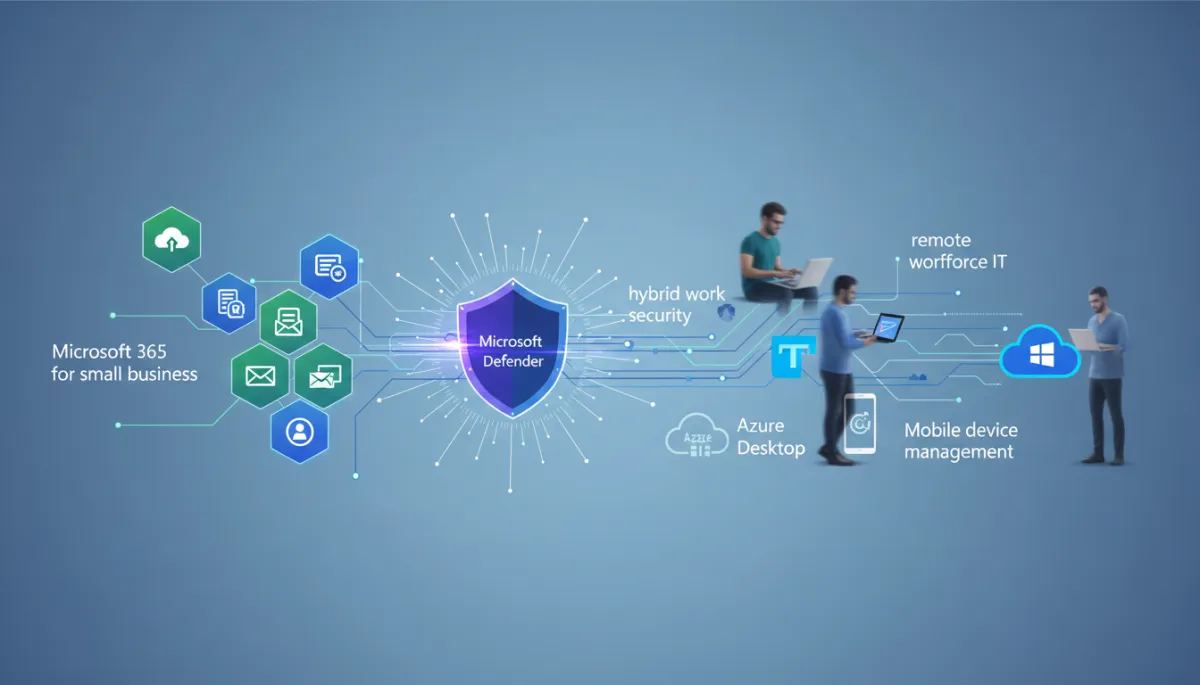
Most small and mid-sized businesses already pay for serious security inside Microsoft 365 for small business—Microsoft Defender, Conditional Access, mobile device management via Intune, even Azure Virtual Desktop for secure remote sessions. The problem isn’t missing tools. It’s Invisible Configuration Debt: security features that were never turned on, never enforced, or quietly drifted over time as hybrid work evolved.
From an insurer’s point of view, these misconfigurations quietly undermine your remote workforce IT and hybrid work security. They can turn what should be a secure Microsoft 365 environment into a high‑risk one, even if you are paying for all the right licenses and cloud solutions.
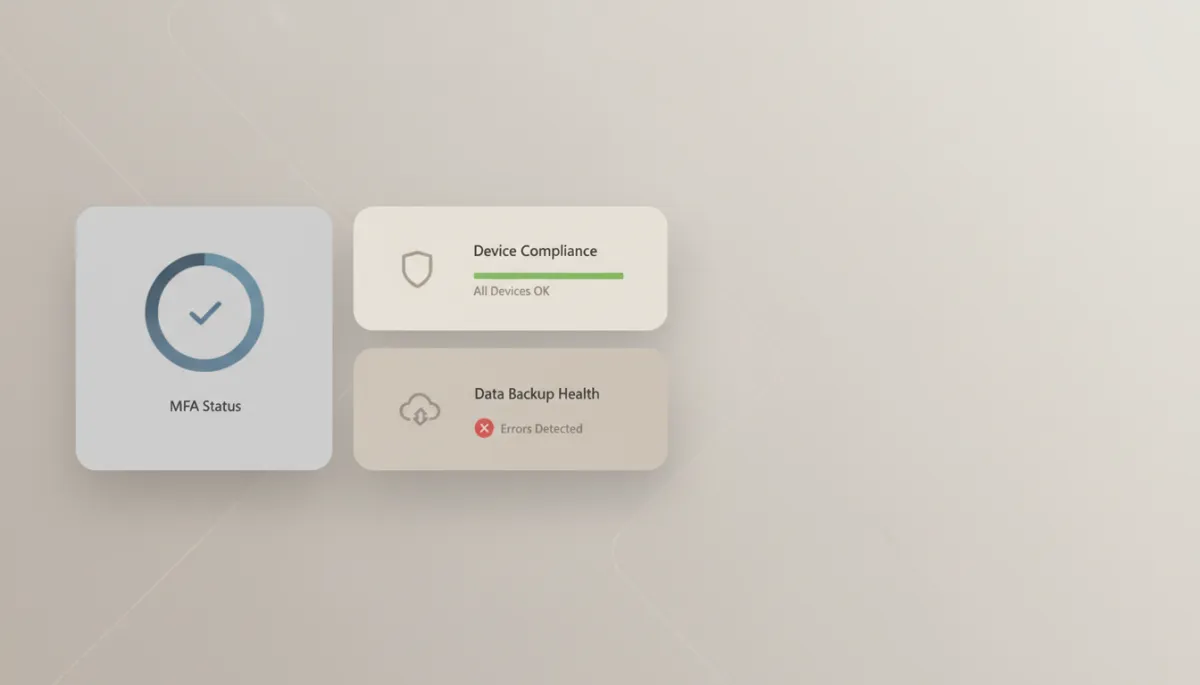
Clear visibility into MFA, devices, and backups turns remote work from risky to reliable.
Practical Cybersecurity Tips for Remote and Flexible Workspaces
You don’t need a Fortune 500 budget to secure remote work. You do need clear standards, consistent enforcement, and verification that settings are actually turned on. Here are practical cybersecurity tips Delvetek Consulting recommends for flexible workspaces built on modern workplace solutions and Microsoft 365:
Make identity your new perimeter. Enforce MFA for every user, every time—especially email, VPN, Microsoft Teams, and remote access to cloud solutions. Remove shared accounts and reduce admin access to the minimum needed using role-based access controls in Azure AD.
Standardize devices for remote work. Issue managed laptops where possible, with disk encryption, endpoint protection through Microsoft Defender, and automatic patching. If staff must use personal devices, require basic controls such as screen locks, OS updates, and managed app access for corporate data through mobile device management.
Lock down data sharing. Replace “anyone with the link” sharing with named users and groups. Use data loss prevention and simple labels like “Internal Only” or “Client Confidential” so staff know what can leave the organization—and what cannot—across SharePoint, OneDrive, and Teams.
Back up what actually matters—and test it. Ensure your cloud data, on‑premise systems, and critical SaaS apps are backed up to separate locations. Run restore tests at least quarterly so you know how long it really takes to recover after an incident or ransomware attack. An untested backup is a theoretical asset, not a recovery plan.
Train for real‑world scenarios, not theory. Short, frequent security awareness sessions—especially around phishing, password reuse, safe use of AI tools, and secure use of Microsoft Teams—help non‑technical staff make better decisions from home, on the road, and in the office.
Turning Remote Work into a Contract-Ready Advantage
Many Delvetek Consulting clients come to us after a scare: a near‑miss phishing attack, a cyber insurance renewal that suddenly demands pages of technical answers, or a major client sending over a detailed security questionnaire about remote access and cloud solutions. What looked like “IT’s problem” quickly becomes a sales, legal, and finance problem when coverage or contracts are on the line.
Our view is simple: if your team can work from anywhere, your controls should be strong enough—and well documented enough—that you can prove to any insurer or client that remote work is secure by design, not by accident. That’s why every engagement starts with our Insurability & Contract‑Readiness Assessment. We measure your environment against CCCS, CIS, and NIST controls, plus current cyber insurance expectations, and deliver a written, plain‑English risk report that shows:
Where your remote access, team collaboration tools, and flexible workspaces would fail an insurer or client review
Which invisible configuration debt is putting you at risk—unenforced MFA, legacy protocols, unused but open cloud features
A prioritized plan to close the most important gaps first, with no jargon or scare tactics
Next Step: Make “Anywhere Work” Secure by Default
Remote work, cloud solutions, and flexible workspaces are not going away. Employees increasingly choose roles based on flexibility, and clients expect you to collaborate securely across locations and time zones. The organizations that thrive will be the ones that treat workplace security as a traveling companion to every login, device, and document—not a box that was checked when the office Wi‑Fi was installed.
If you are an “accidental IT coordinator” or an internal IT manager who needs backup, you don’t have to untangle this alone. Delvetek Consulting was built for small and mid-sized businesses across Canada and the US that are tired of vague MSP promises, surprise invoices, and security that looks good on paper but fails under real‑world scrutiny.
📌 Key Takeaway: Your team already works from anywhere. It’s time for your security, documentation, and insurance readiness to catch up.
Book Delvetek Consulting’s Insurability & Contract‑Readiness Assessment to see, in writing, exactly how your remote work, team collaboration, and flexible workspaces stack up—and what to fix first so you can answer the next insurer or client questionnaire with confidence.
HOME I BACK TO BLOGS I ABOUT US I CONTACT US
